
Take Control: Mastering Security Settings on Your Favorite Dating Apps


Tired of frustrating online dating experiences? At OnlineDatingSuccess.org, we're dedicated to helping you navigate the world of digital romance with confidence. This isn't just about finding a match; it's about building genuine connections safely. Discover how to significantly enhance your online dating experience, starting with our essential Dating app safety settings guide. Learn the crucial steps to protect yourself and unlock the true potential of online dating – your journey to meaningful connections begins here.
- Understanding Dating App Safety Settings Guide: A Comprehensive Overview
- Optimizing Your Dating App Safety Settings for Tinder
- Optimizing Your Dating App Safety Settings for Bumble
- Dating App Safety Settings Best Practices: General Tips for Enhanced Security
- Beyond App Settings: Additional Safety Measures for Online Dating
-
Frequently Asked Questions
- How can I improve my safety while using dating apps?
- What information should I avoid sharing on dating apps?
- How do I report a user who is behaving inappropriately?
- Are there any apps with particularly strong safety features?
- What should I do if I feel unsafe after meeting someone from a dating app?
- Final Reflection: Securing Your Digital Heart: Beyond the Swipe
- Secure Your Love Life: Take the Next Steps
Understanding Dating App Safety Settings Guide: A Comprehensive Overview
Navigating the world of online dating requires more than just a captivating profile picture and a witty bio. Your safety and security are paramount, and understanding how to leverage the built-in safety features of your chosen dating apps is crucial for a positive and, most importantly, safe experience. This comprehensive guide will equip you with the knowledge to master the security settings on your favorite dating apps, empowering you to take control of your online interactions and build meaningful connections without compromising your personal well-being.
We'll explore essential security features, delve into strategies for protecting your personal information, and guide you through the process of managing who can contact you, all while focusing on practical steps to enhance your online dating safety. This guide serves as your roadmap to a safer and more fulfilling online dating journey, helping you avoid potential scams and build genuine connections with confidence.
Remember, proactive safety measures are your best defense against unwanted attention and potential risks. Let's dive in!
Essential Security Settings: Privacy Settings Explained
Many dating apps offer a robust suite of privacy settings designed to protect your personal information and control your online visibility. Understanding and utilizing these settings is the first step towards a safer online dating experience. These settings often allow you to control who can see your profile, what information is publicly visible, and how you receive messages. For example, you might be able to choose to only show your age range instead of your exact age, or limit profile views to users who meet certain criteria.
Some apps allow you to hide your last active status, preventing others from knowing when you were last online. It's crucial to review these settings carefully and adjust them according to your comfort level. Don't hesitate to experiment with different settings to find the balance between visibility and privacy that feels right for you.
Remember, a secure profile is a proactive step toward a safer online dating experience. Consider exploring the specific privacy options offered by each app you use, as they can vary significantly. Taking the time to understand these features can significantly reduce your risk.
Protecting Your Personal Information: Managing Profile Visibility
Beyond basic privacy settings, actively managing the information you share on your profile is vital. Avoid posting personally identifiable information such as your full address, workplace address, exact location, or even your exact birthday. While you want to create an engaging profile, be mindful of the details you share publicly. Many apps allow you to choose which information is displayed on your profile, so take advantage of these options to control your visibility. Consider using a nickname instead of your full name, and be cautious about the photos you upload.
Avoid photos that reveal identifying details about your surroundings or location. Remember, the goal is to attract genuine connections while minimizing the risk of unwanted attention or potential harm. A carefully curated profile helps achieve this balance. Be proactive and regularly review your profile to ensure you're comfortable with the information you're sharing.
Controlling Who Can Contact You: Filtering and Blocking Features
Dating apps usually provide tools to filter and block users. Utilize these features to control who can contact you. Many apps allow you to filter matches based on age, location, and other preferences. This helps you focus on potential connections that align with your criteria and reduces the likelihood of unwanted interactions. Furthermore, blocking features are invaluable for removing individuals who make you uncomfortable or violate your personal boundaries.
Don't hesitate to block anyone who sends inappropriate messages, engages in harassing behavior, or makes you feel unsafe. Remember, your safety is paramount, and blocking is a valid and essential tool to maintain a healthy and secure online dating experience. Regularly review your blocked list and ensure you're comfortable with the individuals you've blocked. Your peace of mind is worth prioritizing.
Optimizing Your Dating App Safety Settings for Tinder
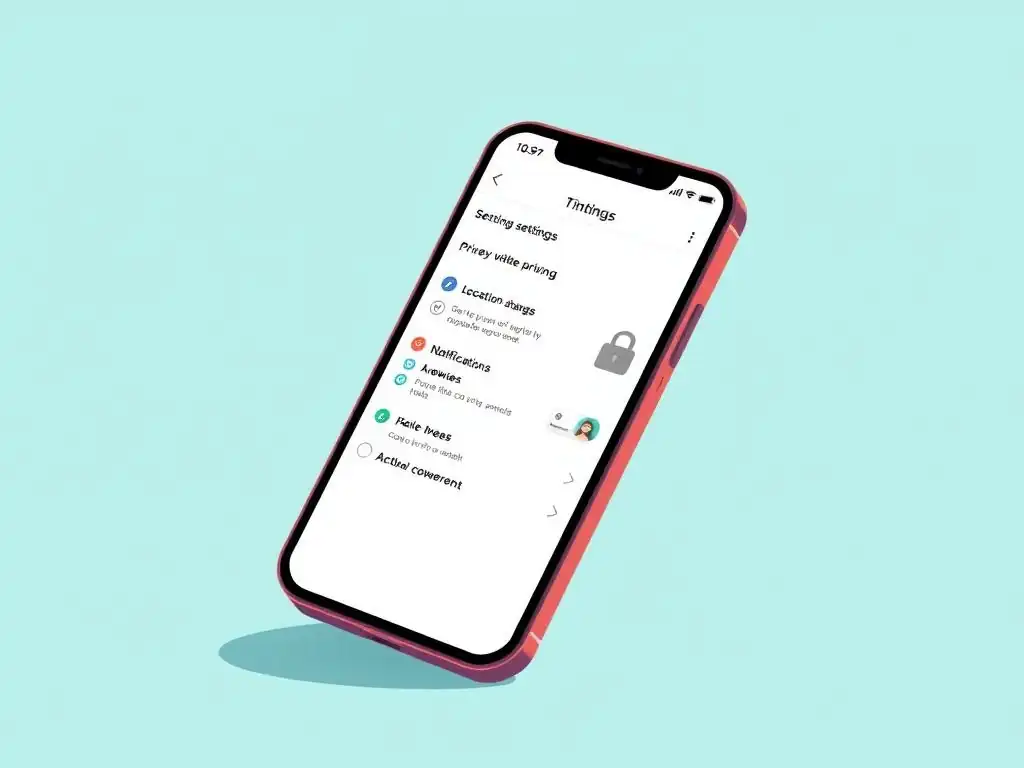
This section focuses on maximizing your safety and privacy on Tinder, a popular dating app. Understanding and adjusting your settings is crucial for a positive and secure online dating experience. Remember, proactive safety measures are key to a successful and worry-free dating journey. This isn't just about avoiding scams; it's about protecting your personal information and emotional well-being. Let's dive into the specifics of Tinder's robust safety features.
Tinder Privacy Settings: Step-by-Step Guide
Navigating Tinder's privacy settings can feel overwhelming, but it's simpler than you might think. By taking a few minutes to adjust these options, you significantly reduce your risk exposure. Let's walk through the process step-by-step:
First, locate the "Settings" menu within the app. This is usually represented by a gear icon ⚙️. Once in Settings, look for sections related to "Privacy," "Visibility," or "Who can see me." These sections typically control several key aspects of your profile's visibility:
- Distance: This setting controls the radius within which your profile is visible to other users. Narrowing this distance limits potential matches to those geographically closer to you, potentially increasing safety. Experiment to find a comfortable balance between the number of matches and your comfort level.
- Age Range: This allows you to specify the age range of potential matches. Limiting this range can help filter out unwanted interactions.
- Gender Preferences: Adjusting your gender preferences is another way to control the pool of potential matches, aligning with your dating preferences and comfort level.
- Show My Distance: Choose whether to display your distance from other users. Disabling this option adds a layer of anonymity and security. Consider the trade-off between visibility and privacy.
- Show My Age: Similar to showing your distance, choosing whether to reveal your age allows you to control the amount of personal information shared upfront.
Remember, these settings are interconnected. Adjusting one might impact the effectiveness of others. It’s a good practice to review and refine these settings periodically, based on your experience and evolving comfort level.
Blocking and Reporting Users on Tinder: A Practical Tutorial
Encountering inappropriate behavior is unfortunately a possibility on any dating app. Tinder offers robust tools to manage these situations effectively. Learning how to block and report users is crucial for maintaining a safe online dating experience. This is a critical component of any dating app safety settings guide.
Blocking a user prevents them from seeing your profile, contacting you, or matching with you. To block a user:
- Go to their profile.
- Locate the three dots (usually an ellipsis "...") or a "More" option.
- Select "Block."
Reporting a user alerts Tinder's support team about concerning behavior. This is vital for maintaining a safe environment for all users. To report a user:
- Go to their profile.
- Locate the three dots (usually an ellipsis "...") or a "More" option.
- Select "Report." You'll typically be given options to describe the nature of the inappropriate behavior (harassment, spam, etc. ).
It's crucial to report any instances of harassment, threatening behavior, or suspicious activity. This helps maintain the app's safety and contributes to a better experience for everyone. Your proactive reporting is essential for a safer dating environment.
Managing Notifications and Communication Preferences on Tinder
Controlling your notifications and communication preferences is essential for managing your time and maintaining your privacy. Too many notifications can be overwhelming, while unrestricted communication can expose you to unwanted interactions. Tinder provides granular control over this aspect of the app.
Here's how to manage your notification settings:
- Access the app's "Settings" menu (usually a gear icon ⚙️).
- Look for a section labeled "Notifications" or "Push Notifications."
- Customize your notification preferences. You can typically choose to receive notifications for matches, messages, likes, and other app activities. Consider turning off notifications for less important activities to reduce clutter.
Managing communication preferences involves controlling who can message you. While Tinder's default settings usually allow matches to initiate conversations, you can adjust this. Unfortunately, precise instructions vary depending on the app version. However, look for options related to "Message Settings" or "Who can message me" within the app's settings.
By carefully managing your notifications and communication preferences, you can optimize your Tinder experience, ensuring that you receive only the messages and notifications that are relevant and comfortable for you. Remember, your online safety is paramount. Take control and customize your settings to feel confident and secure while using Tinder.
Optimizing Your Dating App Safety Settings for Bumble
Bumble, known for its women-first approach, also prioritizes user safety. Understanding and leveraging its security features is crucial for a positive and secure online dating experience. This section provides a detailed guide to mastering Bumble's safety settings, empowering you to take control of your online interactions. This detailed guide will help you navigate the intricacies of Bumble's security features, turning your dating app experience from potentially risky to proactively safe. Remember, proactive safety is key to a positive dating journey.
Bumble Privacy Settings: Step-by-Step Guide
Navigating Bumble's privacy settings is straightforward, yet impactful. Here's a step-by-step guide to ensure your information is protected:
- Access Settings: Open the Bumble app and tap your profile picture. Then, select "Settings" from the menu.
- Visibility: Under "Privacy," you'll find options to control your profile's visibility. Consider these settings carefully:
- "Who can see my profile?": Choose between "Everyone," "People I've liked," or "People who have liked me." Limiting visibility significantly reduces unwanted attention.
- "Show my distance?": This setting determines whether your distance from other users is displayed. Turning this off adds another layer of privacy.
- "Show my age?": Similarly, you can choose to hide your age, adding another level of anonymity if desired.
- Private Mode: Bumble offers a "Private Detector" feature. While not directly a safety setting, it helps you maintain some anonymity by hiding your profile from users who use private detectors to locate profiles.
- Blocking: Knowing how to block users is vital. Bumble makes this easy; you can block any user who makes you uncomfortable. This prevents them from contacting you or seeing your profile.
- Regular Review: It's good practice to review and adjust your privacy settings periodically. Your comfort level and dating goals may evolve, necessitating changes to your privacy preferences. Consider changing settings based on your experience and comfort level.
Blocking and Reporting Users on Bumble: A Practical Tutorial
Encountering inappropriate behavior on any dating app is unfortunately a possibility. Bumble provides tools to address such situations effectively. Here's a practical tutorial on blocking and reporting users:
- Blocking a User: If a user's behavior is making you uncomfortable, you can immediately block them. Locate their profile, tap the three dots (more options), and select "Block." This action immediately prevents them from contacting you.
- Reporting a User: Reporting a user is crucial for maintaining the platform's safety. After blocking, consider reporting the user. This allows Bumble's moderators to review the interaction and take appropriate action, potentially leading to the user's account suspension or removal. Provide as much detail as possible in your report. Include screenshots if possible.
- Types of Reports: Bumble typically allows you to report users for various reasons, including harassment, inappropriate photos, scams, or fake profiles. Choose the option that best describes the situation.
- Taking Screenshots: Before reporting, take screenshots of the offending messages or profile content. This provides concrete evidence for Bumble's review process. This is critical for supporting your claim.
- Post-Report Actions: After reporting, you might not receive immediate feedback. Bumble's moderation team reviews reports to ensure accuracy and fairness. Focus on protecting your well-being and consider adjusting your privacy settings further for enhanced safety.
Managing Notifications and Communication Preferences on Bumble
Controlling your notifications is key to managing your Bumble experience and preventing unwanted attention. Here's how to manage your communication preferences:
- Notification Settings: Within the "Settings" menu, locate the "Notifications" section. Here, you can customize which notifications you receive (e.g., new matches, messages, etc.). You can choose to turn off certain categories of notifications completely.
- Communication Preferences: Bumble allows you to control who can initiate conversations. This setting is particularly useful for enhancing your safety. You can choose to receive messages only from users you've already matched with, increasing your control over who contacts you.
- Turning Off Notifications: For periods when you want a break from the app, consider completely turning off notifications. This allows you to disconnect without logging out of your account.
- Customizing Notification Sounds: You can customize the notification sounds for different events (matches, messages). This can help you distinguish between important and less urgent notifications.
- Review and Adjust Regularly: Like your privacy settings, regularly review and adjust your notification preferences. Your needs and comfort levels can change over time, necessitating modifications to your notification settings. Consider this a proactive step to ensuring your safety and peace of mind.
Remember, prioritizing your safety on dating apps is paramount. By utilizing these features effectively, you can significantly reduce risks and enjoy a more positive and secure online dating experience. Remember, your safety is your responsibility, and these tools are there to help you manage your online interactions.
Dating App Safety Settings Best Practices: General Tips for Enhanced Security
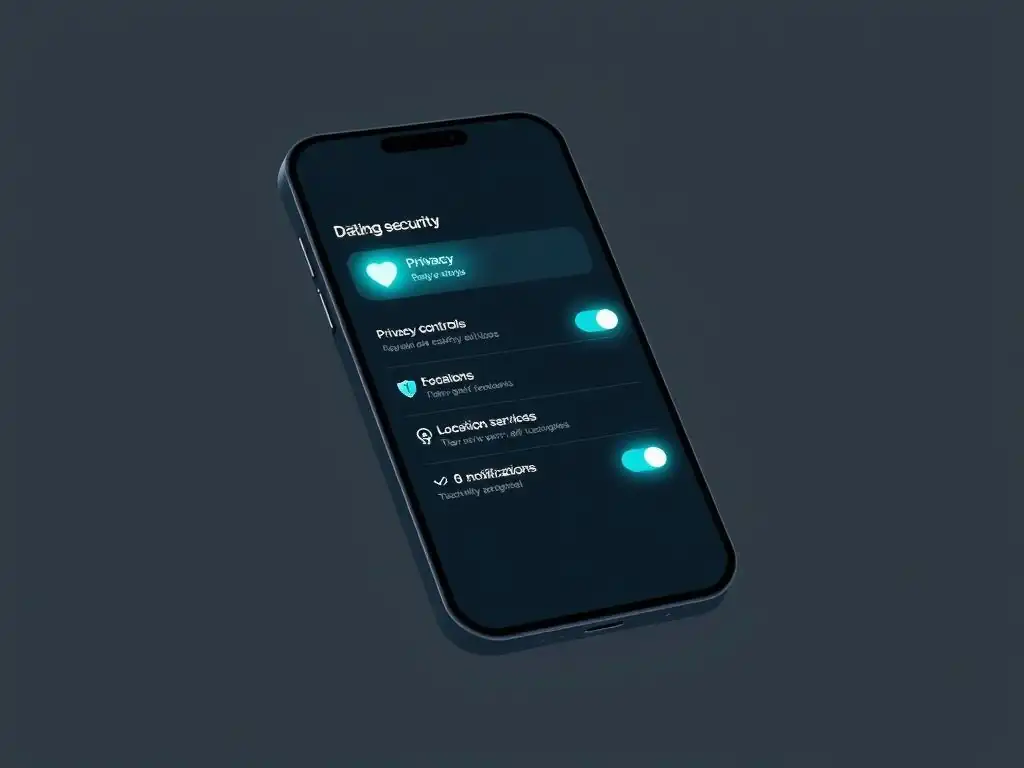
This section focuses on establishing a strong security foundation across all your dating apps. Proactive management of your privacy settings is crucial for a safe and positive online dating experience. Remember, your safety is paramount, and these best practices are designed to help you maintain control over your personal information and interactions. This guide will help you effectively manage your dating app safety settings.
Regularly Review and Update Your Settings
Dating apps frequently update their features and security protocols. Regularly reviewing and updating your settings is not just a good habit; it's essential for maintaining optimal security. Think of it like changing the oil in your car – preventative maintenance! Ideally, you should check your settings at least once a month, or whenever a significant app update is released.
This includes reviewing your privacy settings, notification preferences, and any newly introduced security features. Many apps provide a helpful "Settings" or "Privacy" section where you can manage these options. Pay close attention to who can see your profile, your location data (consider turning off precise location sharing), and what information is publicly visible.
Some apps even allow you to control who can message you, limiting contact to only those you've matched with. Don't hesitate to experiment with different settings to find the balance that feels most comfortable and secure for you. Remember, it's better to be overly cautious than to regret a lapse in security later.
Consider setting up email or push notifications for security-related alerts. This will promptly inform you of any suspicious activity on your account, allowing for quick intervention. A proactive approach significantly minimizes the risk of unauthorized access or scams. Your peace of mind is worth the few minutes spent on regular maintenance.
Sharing too much personal information, even unintentionally, can expose you to potential risks. Remember, the goal is to connect with others, not to reveal your entire life story on your first message. Avoid posting your full address, workplace details, or other sensitive information publicly on your profile. Even seemingly innocuous details can be pieced together by malicious actors to build a more complete picture of your life and vulnerabilities.
Consider the information you share in your profile carefully. Instead of specifying your exact location, perhaps consider mentioning your neighborhood or a nearby landmark. Avoid sharing your phone number or email address directly on your profile; many apps provide in-app messaging systems for safer communication. Remember, you can always share more details as you get to know someone better and build trust. This measured approach allows you to control the flow of information and prioritize your safety. A little mystery can also be intriguing!
Use Strong Passwords and Enable Two-Factor Authentication
This is perhaps the most fundamental aspect of online security, applicable far beyond just dating apps. Using a strong, unique password for each app is crucial. Avoid easily guessable passwords like your birthday or pet's name. Instead, opt for a combination of uppercase and lowercase letters, numbers, and symbols. Password managers can be incredibly helpful in generating and securely storing complex passwords for you.
Enabling two-factor authentication (2FA) adds an extra layer of security. 2FA usually involves receiving a verification code via text message or email after entering your password. This means that even if someone obtains your password, they will still need access to your phone or email to gain access to your account. This significantly reduces the likelihood of unauthorized access and protects your profile from malicious actors.
Think of 2FA as a security guard at the door – an extra step to ensure only you can enter. Most dating apps offer 2FA; make sure you take advantage of this essential security feature. It's a simple step that can make a huge difference in protecting your online safety.
Report Suspicious Activity Immediately

Reporting suspicious behavior is paramount to your safety and the safety of other users. Don't hesitate to utilize the reporting mechanisms built into your dating apps. These features are often easily accessible, usually found within a user's profile settings or through a direct report button on individual profiles or messages. Many apps provide different reporting options, allowing you to flag various issues, from inappropriate messages to suspected scams or fake profiles.
Think of reporting as a proactive measure, not just a reactive one. If someone's profile seems too good to be true, or their messages are overly persistent and demanding, report it. Even if you're not completely sure something is wrong, err on the side of caution. The app's moderators are equipped to investigate these reports and take appropriate action, which could prevent others from falling victim to the same behavior.
Timely reporting is crucial; the sooner suspicious activity is flagged, the sooner the app can intervene and potentially prevent further harm. Remember, your report contributes to a safer online dating environment for everyone. Many apps also allow you to block users entirely, cutting off all communication and preventing them from contacting you again. Utilize this feature liberally if you feel uncomfortable or unsafe.
Educate Yourself on Common Dating App Scams
Understanding common scams is your first line of defense. Scammers are constantly evolving their tactics, but some common red flags remain consistent. One prevalent scam involves individuals creating fake profiles with stolen photos and fabricated backgrounds. These profiles often present themselves as incredibly successful or charming, aiming to quickly build trust and rapport. Their ultimate goal is usually financial gain, often through requests for money or gift cards under various pretexts, such as medical emergencies or urgent travel needs. Another common tactic involves "catfishing," where scammers use false identities and misleading photos to lure victims into relationships.
Be wary of users who consistently avoid video calls or in-person meetings. Legitimate users are generally happy to verify their identity through visual contact. Similarly, be cautious of requests for personal information, banking details, or social security numbers early in the communication process. Legitimate dating apps will never request this type of sensitive data. Always be skeptical of overly flattering compliments or promises, especially from someone you've just met online.
Educate yourself on these common tactics by reading online articles, forums, and the safety tips provided by your dating apps themselves. Remember, if something feels too good to be true, it probably is. A healthy dose of skepticism and awareness can go a long way in protecting yourself from scams and ensuring a safer online dating experience. Learning about these scams empowers you to take control of your safety and avoid falling prey to these manipulative tactics.
Beyond App Settings: Additional Safety Measures for Online Dating
This section expands on the core security features within dating apps, exploring crucial offline and online safety practices that complement the app settings discussed earlier. While robust app settings are fundamental, a holistic approach to online dating safety is essential for a positive and secure experience. Think of app security settings as the first line of defense; the following measures strengthen your overall safety net. This section will provide you with practical advice to help you navigate the world of online dating safely and confidently. Remember, your safety is paramount.
Safe Dating Practices: Meeting in Public Places and Verifying Profiles
Meeting someone from an online dating app for the first time requires extra caution. Never rush into an in-person meeting. Always prioritize public spaces for your first few encounters. A busy coffee shop, a well-lit restaurant, or a public park during daylight hours are far safer options than secluded or private locations. Tell a trusted friend or family member where you're going, who you're meeting, and when you expect to be back. Share their contact information with your friend as well, just in case.
Before meeting, verify as much information as possible. This goes beyond simply checking their profile. Try reverse image searching their profile pictures to see if they're using images from another source. Look for inconsistencies in their profile information, and be wary of profiles that lack personal details or have generic photos. While it's not foolproof, a quick background check using publicly available information can offer additional peace of mind.
Remember, it's better to be cautious than sorry. Trust your instincts – if something feels off, don't proceed with the meeting. Consider video chatting before meeting in person to confirm their identity and build a sense of comfort before a face-to-face encounter. This added layer of verification can significantly reduce potential risks.
Protecting Your Identity Online: General Internet Safety Tips
Your online dating safety extends beyond the app itself. Protecting your personal information online is crucial, even when using secure dating apps. Avoid sharing sensitive details like your full address, workplace, or financial information with anyone you haven't met in person and thoroughly vetted. Be mindful of the information you share on social media platforms, as this can sometimes be easily accessed by others, even if your dating profiles are private.
Use strong, unique passwords for all your online accounts, including your dating app profiles. Consider using a password manager to help you manage these passwords securely. Regularly review your privacy settings on all your social media accounts and online platforms. Be aware of phishing scams; don't click on suspicious links or download attachments from unknown senders. Always be cautious when sharing your location, particularly on social media or in your dating app profiles. Remember, maintaining a healthy balance between sharing personal information and protecting your privacy is essential for online safety.
Resources for Online Dating Safety: Helpful Websites and Organizations
Several organizations provide valuable resources and support regarding online dating safety. It's always beneficial to familiarize yourself with the advice and guidelines offered by these reputable sources. They offer guidance on identifying scams, protecting your personal information, and navigating potentially risky situations. These resources often provide updated information and best practices to help you stay informed about emerging threats and challenges in the online dating landscape.
Utilizing these resources can significantly enhance your understanding of online dating safety and contribute to a more secure and positive online dating experience. Remember, being proactive in your safety measures is key to a successful and enjoyable online dating journey. Staying informed is a critical aspect of maintaining your safety.
Frequently Asked Questions
How can I improve my safety while using dating apps?
Actively utilize the safety features provided by each app. This includes blocking and reporting inappropriate users, verifying your profile, and being mindful of sharing personal information. Always trust your gut instincts.
What information should I avoid sharing on dating apps?
Refrain from sharing your full address, workplace, or phone number upfront. Be cautious about revealing too much personal information too quickly. Wait until you've met in person and built trust.
How do I report a user who is behaving inappropriately?
Most dating apps have a built-in reporting mechanism. Usually, you'll find a report button on their profile or within a chat. Follow the app's instructions to submit a detailed report.
Are there any apps with particularly strong safety features?
Many apps offer strong safety features, but research is key. Look for apps that offer profile verification, background checks (where available), and robust reporting systems. Read user reviews to gauge the effectiveness of these features.
What should I do if I feel unsafe after meeting someone from a dating app?
Prioritize your safety. Meet in a public place for your first few dates, let a friend or family member know your plans, and have a way to contact them easily. If you feel uncomfortable, leave immediately and contact support.
Final Reflection: Securing Your Digital Heart: Beyond the Swipe
The ease of connection offered by dating apps is undeniable, but so is the need for proactive safety measures. Ignoring the importance of robust security settings isn't just naive; it's a risk to your personal well-being and privacy. The digital landscape of dating is constantly evolving, demanding vigilance and a commitment to protecting yourself.
The impact of online dating safety extends far beyond individual experiences; it shapes the overall culture of online interaction. It influences how we perceive risk, trust, and vulnerability in the digital age. The responsibility for creating a safer online dating environment rests not solely on app developers, but on each individual user. The best security is a combination of technology and human awareness.
This quote highlights the crucial role of personal responsibility in mitigating risks. We must be proactive in understanding and utilizing the security features available to us.
You, the reader, now hold the power to transform your online dating experience. Take the knowledge gained from this guide and apply it to your own dating app usage. Don't just swipe; secure. Actively review your settings, understand the implications of each choice, and prioritize your safety above all else. Your digital well-being is worth the effort, and a safer online dating environment begins with you.
Secure Your Love Life: Take the Next Steps
Thank you for learning how to improve your dating app security! You now have the knowledge to create a safer and more positive online dating experience. Ready to apply what you've learned?
- Prioritize your privacy: Take a few minutes to review and adjust the privacy settings on all your dating apps. This is the most effective way to control the information you share.
- Report suspicious activity: Help keep our online dating community safe by reporting any profiles or messages that seem suspicious or inappropriate. You'll be making a real difference.
- Share this advice: Share this article with your friends and help spread the word about safer dating practices!
What's one small step you'll take today to enhance your online dating security?